
Activate your game using your Patreon or SubscribeStar subscription.
Watch the video guide
1. Open activation in the game
Press one of the activation buttons in the game.
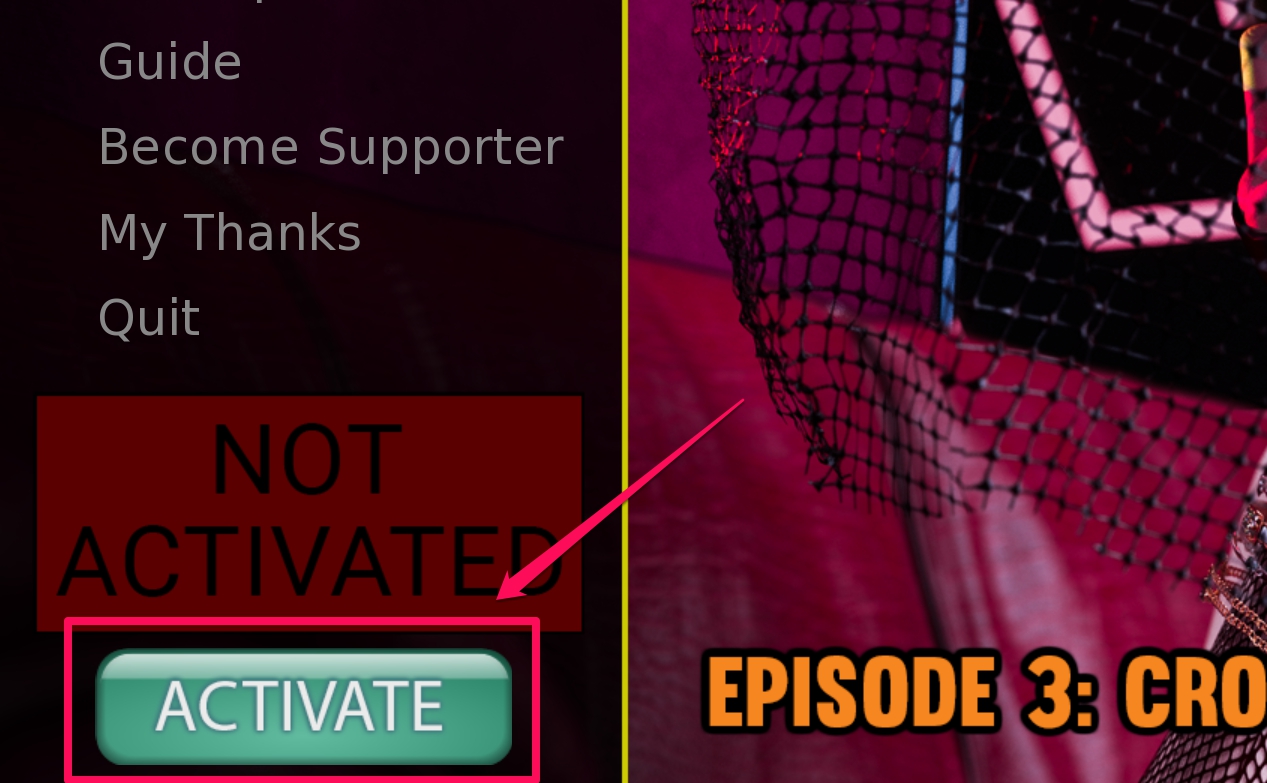
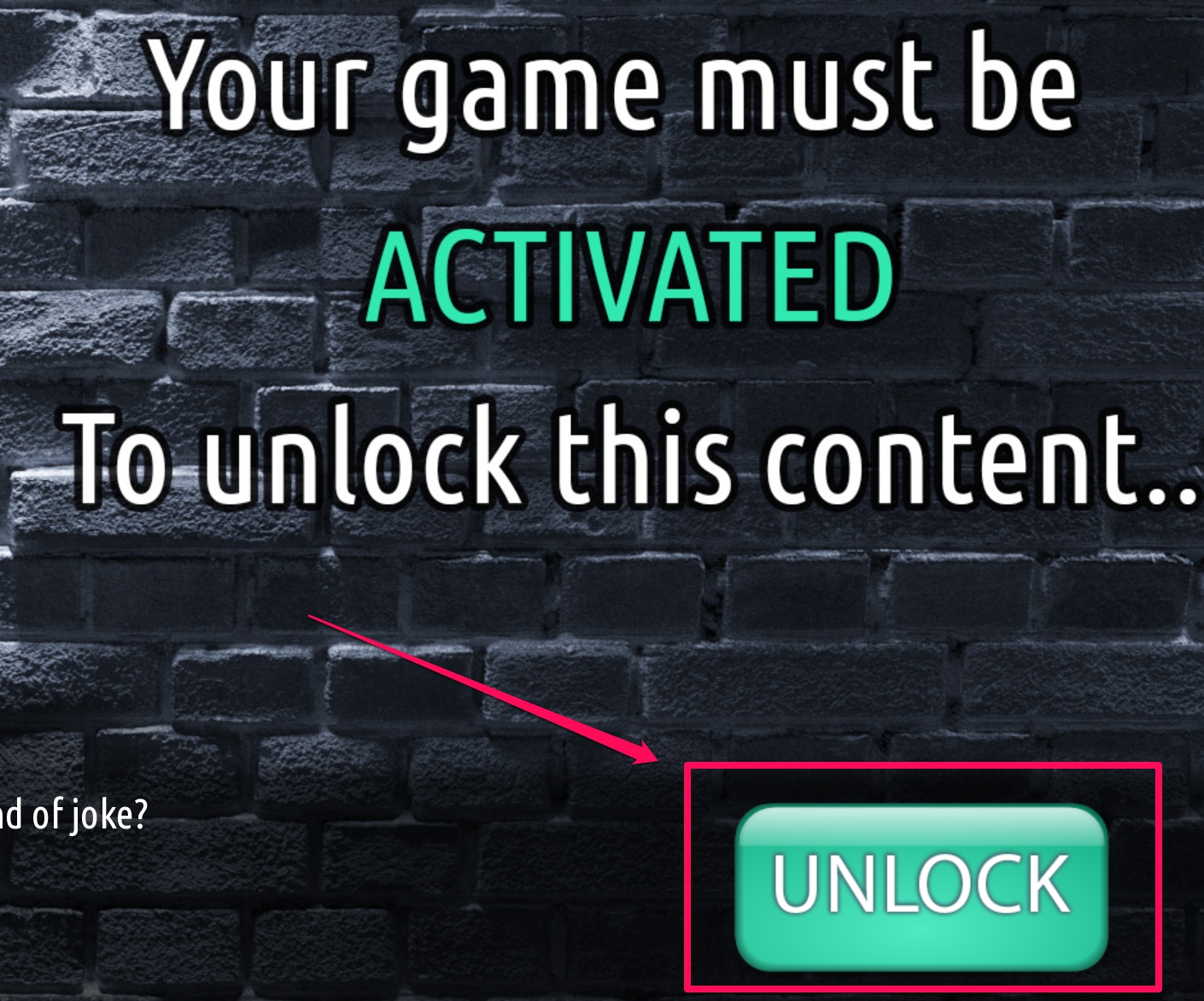
Press Activate.
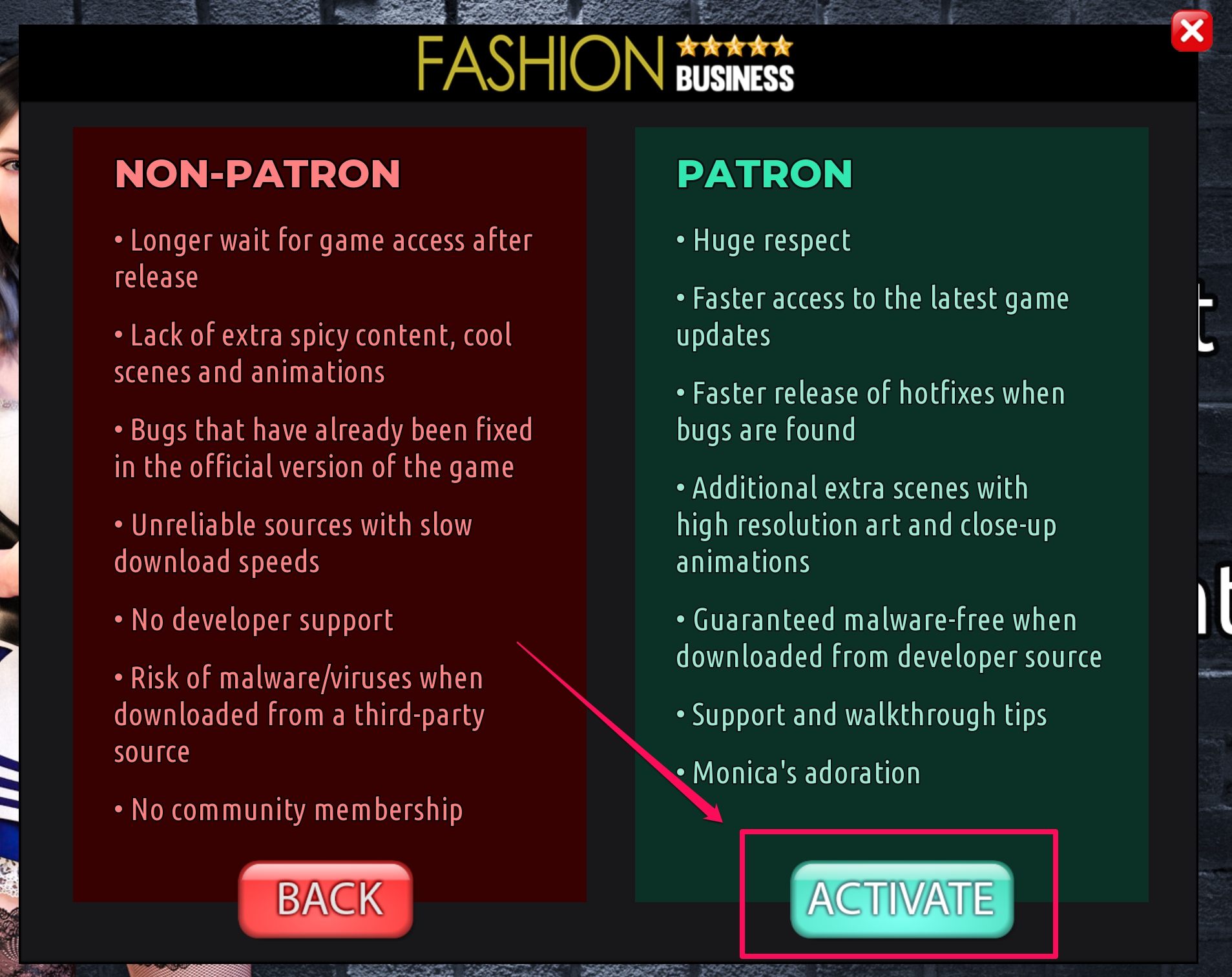
2. Find your personal code
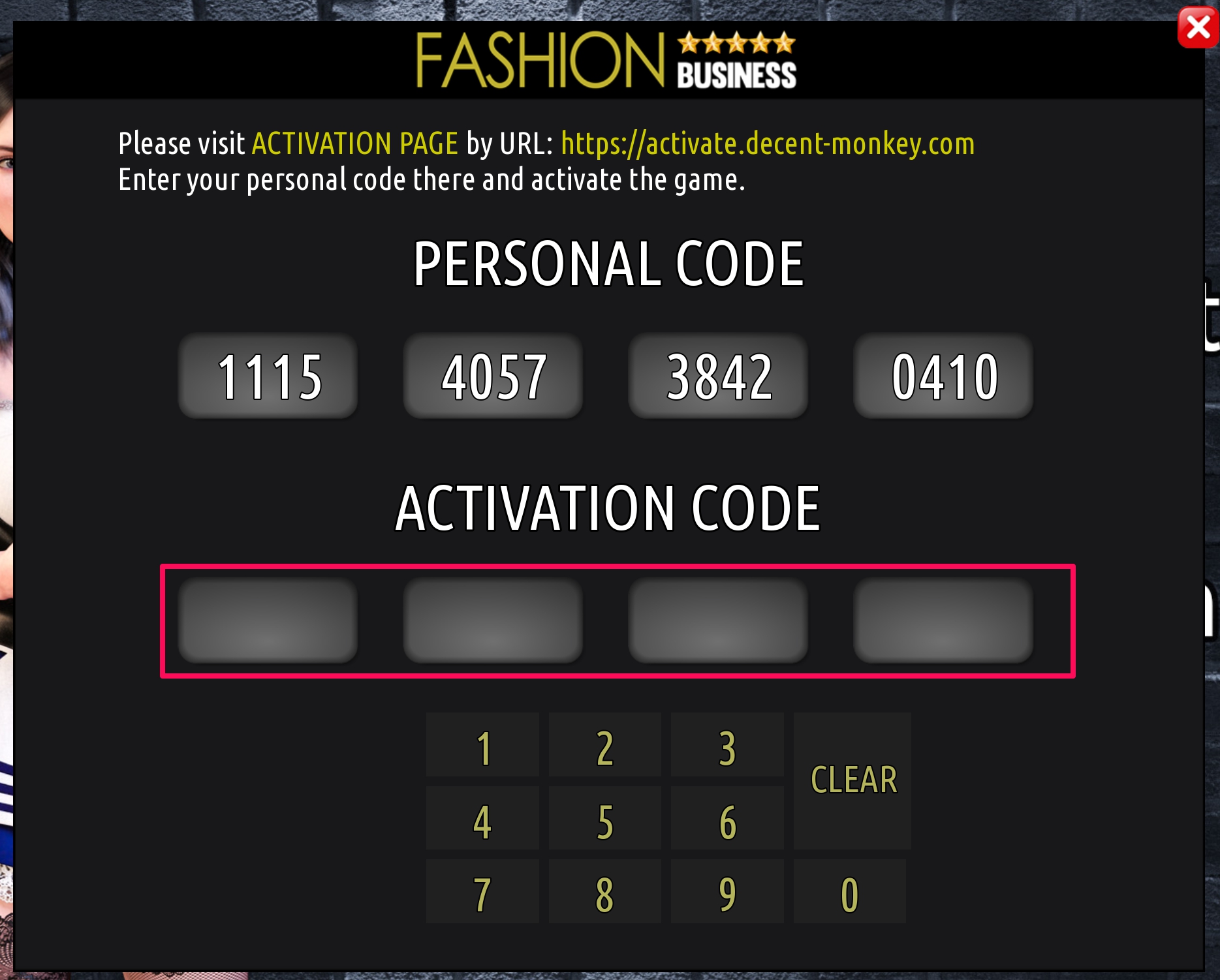
On the screen, you will see your PERSONAL CODE.

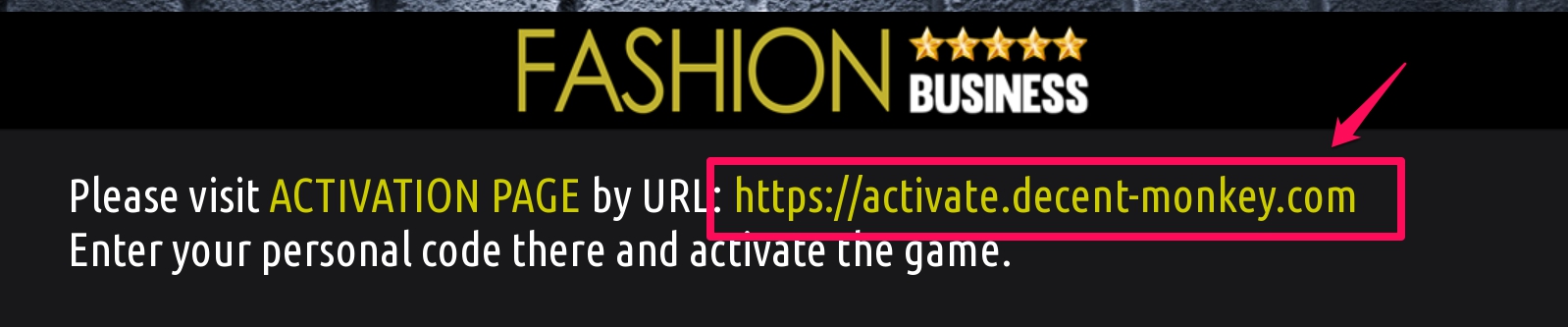
Click on the activation link or go to activate.decent-monkey.com manually (you can use another device).
3. Sign in with your subscription
For Patreon subscribers
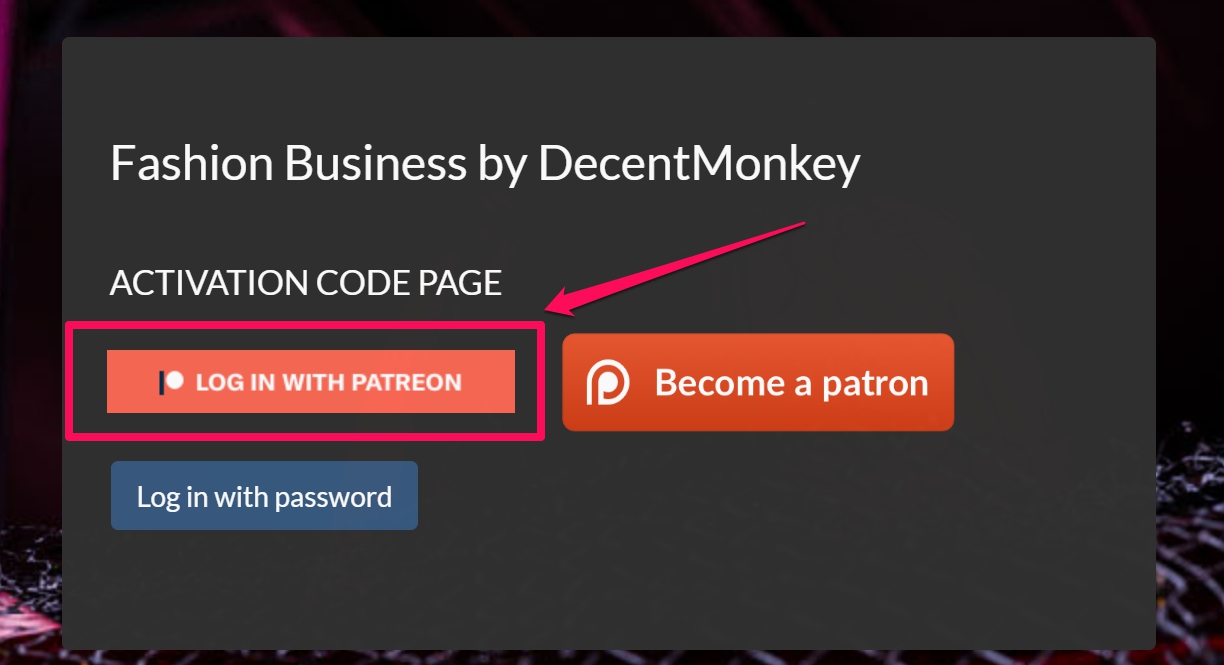
Login using your Patreon credentials by pressing Log in with Patreon.
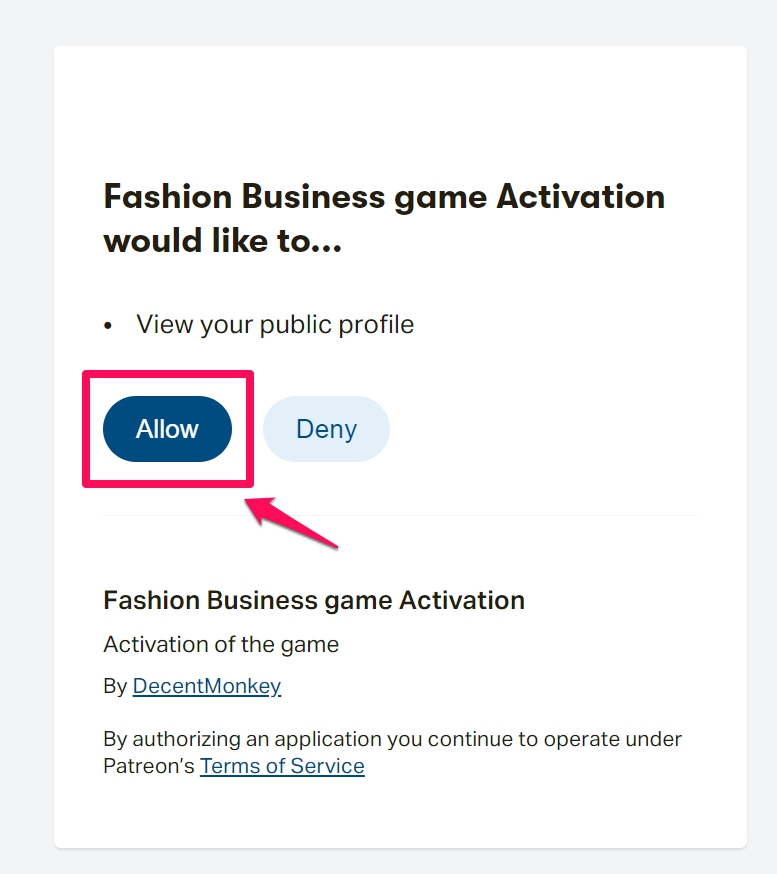
Press Allow to give the app permission to access your public profile for a subscription check.
For SubscribeStar subscribers
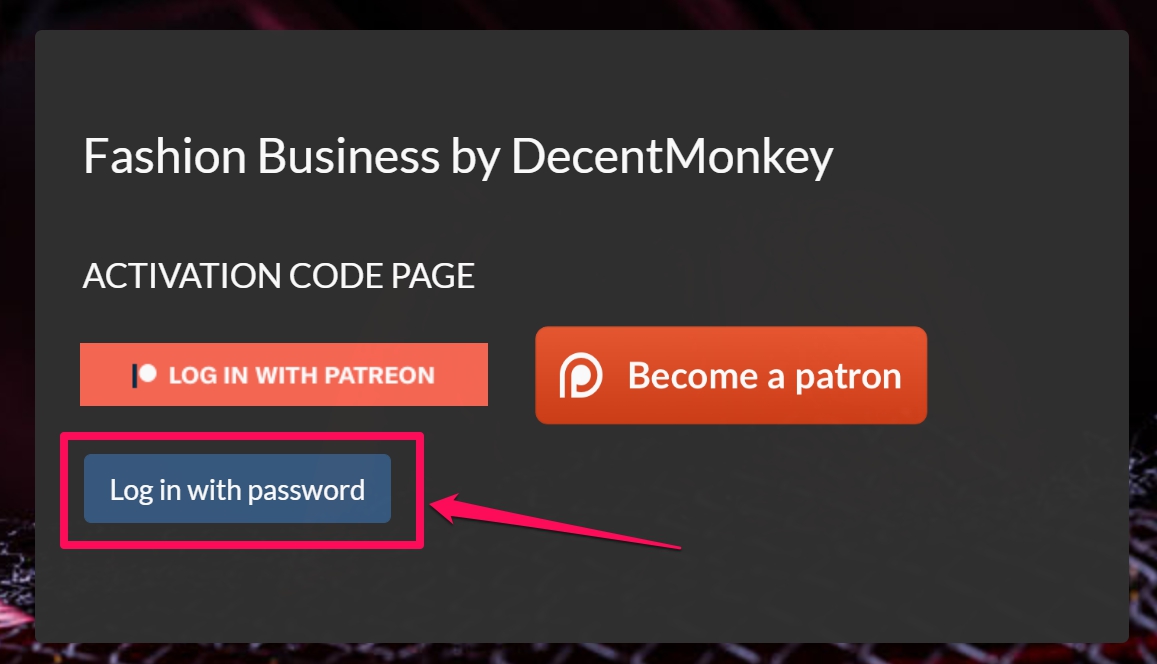
Login using the personalized password that you’re sent through SubscribeStar messages.
4. Send your personal code
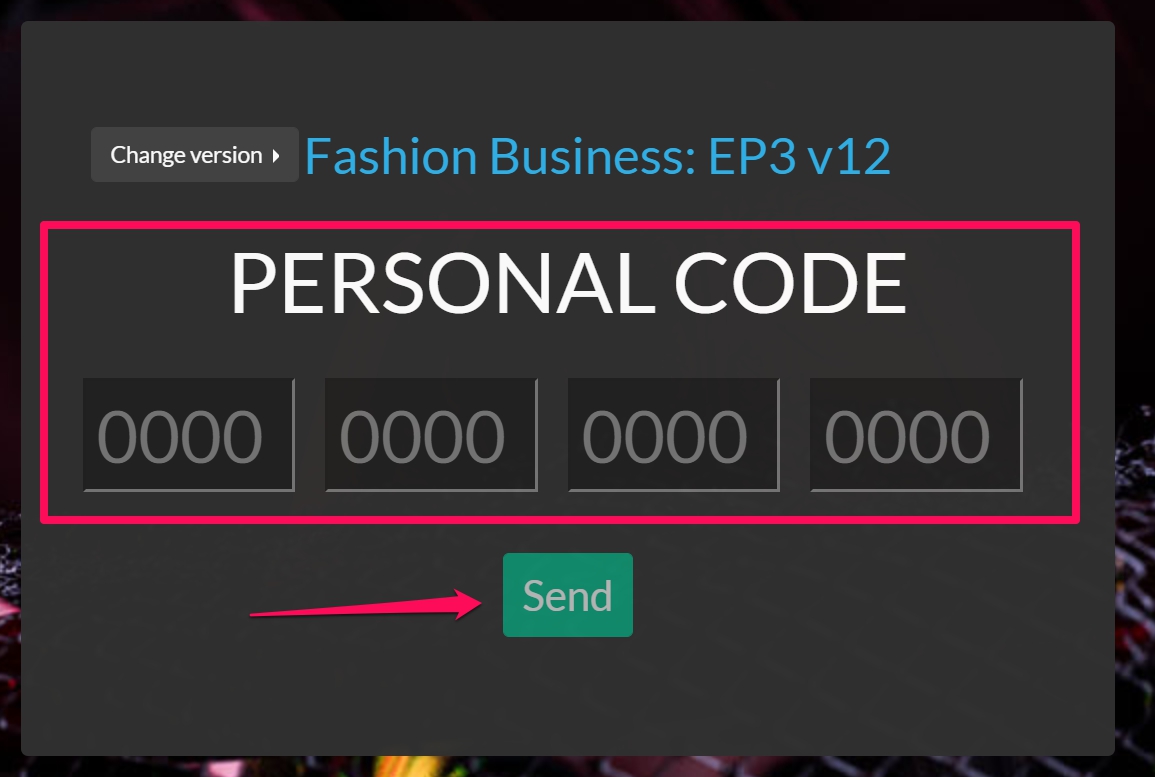
Enter your PERSONAL CODE as shown in the game on the activation page, and press Send.
5. Enter the activation code in the game
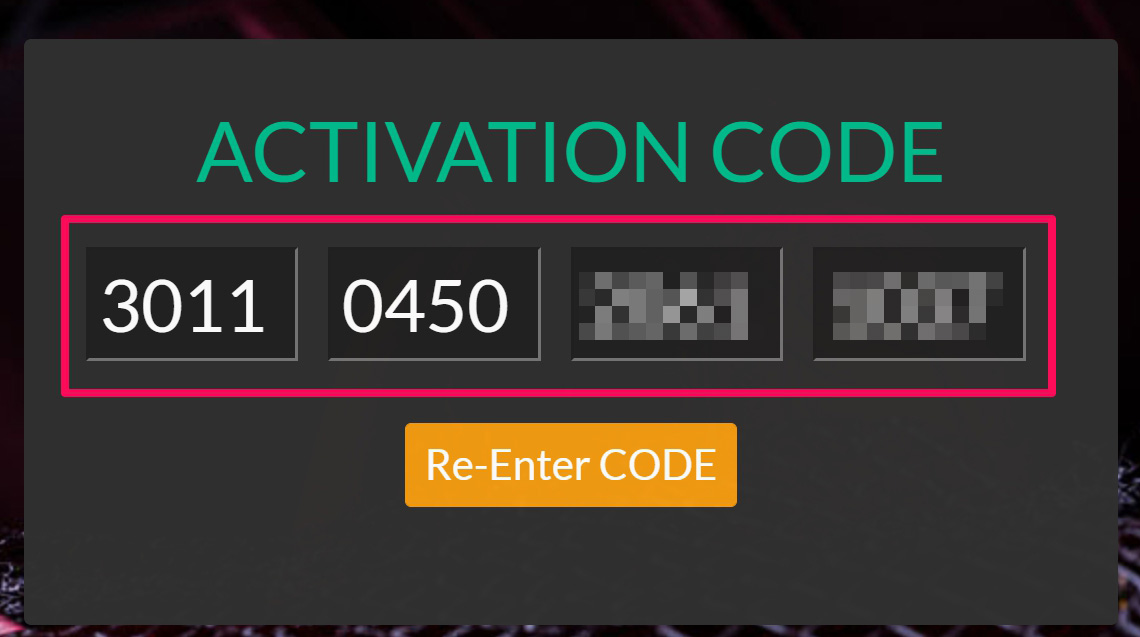
You’ll see the ACTIVATION CODE that you’ll need to enter in-game using your keyboard or numpad. Then press OK.
Enjoy the Game!

















































Recent Comments